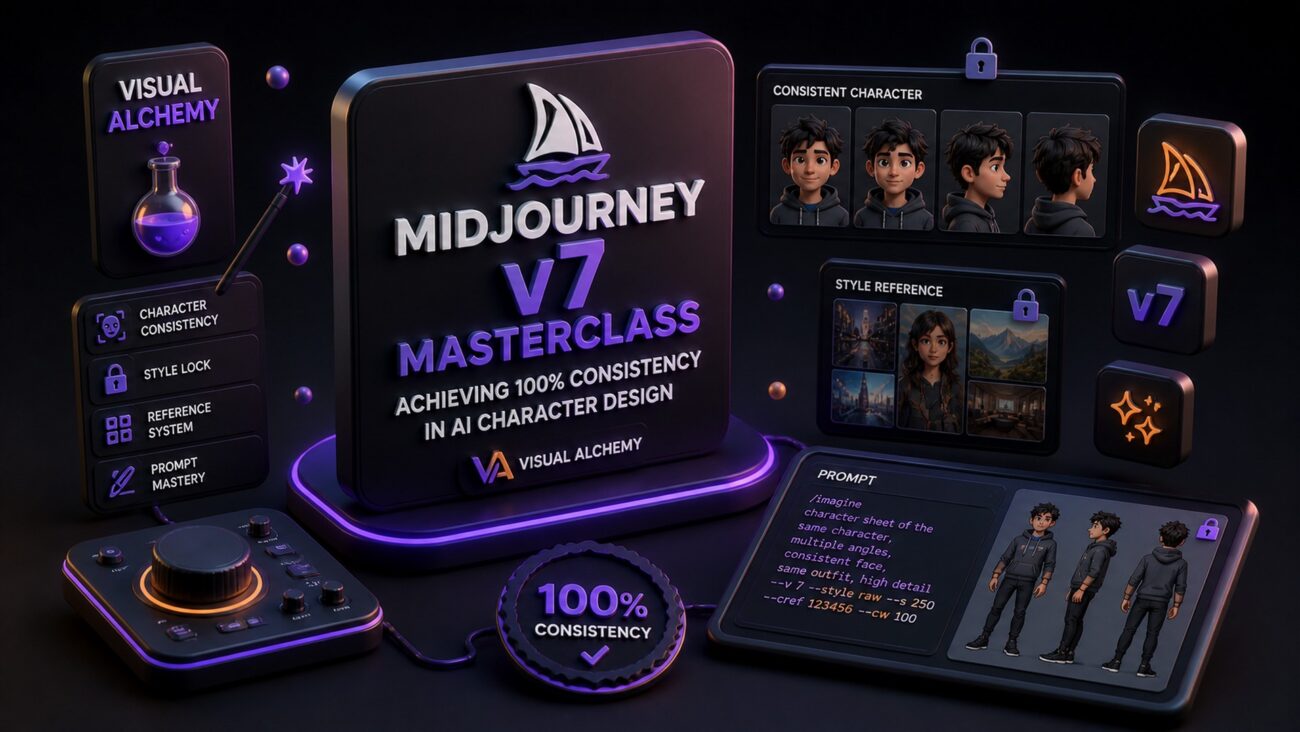
The Holy Grail of AI Art: Consistency
In the previous era of AI generation, creating the same character in different poses or settings was a game of luck. With Midjourney v7, that has changed. For the modern creator at Creator Hits Academy, consistency is the key to building brands, comic books, and recognizable digital identities.
Whether you are designing a mascot for your YouTube channel or characters for an AI-generated music video, this masterclass will show you how to lock in your vision.
1. Understanding the —cref (Character Reference) Engine
The most powerful feature in v7 is the refined Character Reference system. It allows the AI to «memorize» the facial features, hair, and build of your subject.
The Base Formula:
/imagine prompt: [Your Action Scene] --cref [Link to your original character image]
Pro Tip: Character Weight (—cw)
You can control how much of the character Midjourney copies using the --cw parameter (from 0 to 100).
—cw 100 (Default): Copies face, hair, and clothing.
—cw 0: Copies only the face, allowing you to change outfits and hairstyles easily.
2. Setting Up Your «Master Reference»
To get the best results, your first image (the reference) must be clean.
Use a neutral background: This prevents the AI from «bleeding» the background into your new scenes.
Simple Lighting: Studio lighting works best for a master reference.
Prompt Example:
A professional male AI music producer, short beard, wearing a black techwear vest, studio lighting, white background --ar 3:2 --v 7.0
3. Advanced Workflow: Combining Character and Style
At Creator Hits Academy, we teach you to layer your commands. In v7, you can combine Character Reference with Style Reference (--sref) to ensure your art style remains as consistent as your character.
The «Power User» Command:
/imagine prompt: [Character Name] playing a futuristic guitar on stage --cref [Link] --sref [Style Link] --cw 20 --sw 100
4. Common Pitfalls & How to Fix Them
The «Double Face» Glitch: If Midjourney blends two faces, lower your
--cwand add more descriptive keywords about the face in your text prompt.Style Bleed: If the character’s original clothes are appearing when you don’t want them, ensure you are using
--cw 0.
5. Monetizing Your Visual Consistency
Why does this matter for your business?
Brand Identity: Sell «Virtual Influencer» packages to companies.
Storytelling: Create consistent visuals for music videos generated in Suno AI v5.5.
Digital Assets: Build high-end stock libraries with a unique, consistent look.
FAQ: Midjourney v7 Consistency
Q: Can I use —cref with real photos? A: Yes, but it works best with images originally generated in Midjourney. For real photos, the AI will create a «likeness» rather than an exact replica.
Q: Does v7 support multiple characters in one scene? A: Yes, by using regional prompting or panning techniques, which we cover in our Premium Visual Alchemy Guide.
Ready to level up your visual game?
Pair your stunning visuals with professional sound. Check out our [Suno AI v5.5 Mastery Guide] to start creating complete AI-powered media today.
[Link: Download the Ultimate Midjourney v7 Prompt Pack]

Один комментарий к “Midjourney v7 Masterclass: Achieving 100% Consistency in AI Character Design”