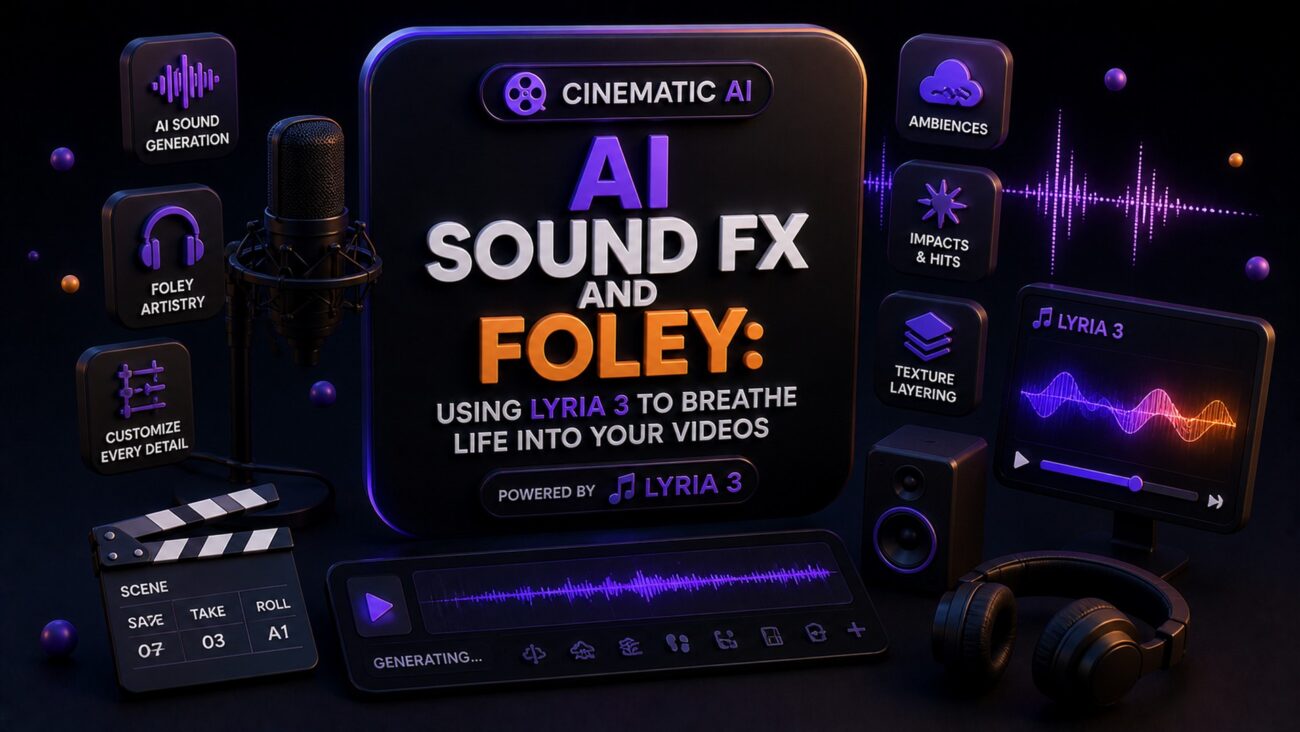
Sound is 50% of the Movie
You can generate the most stunning visuals in Sora or Runway Gen-3, but if your video is silent or uses generic stock sounds, the «magic» disappears. At Creator Hits Academy, we teach that immersive audio is what separates a viral hit from a tech demo.
With the release of Lyria 3, creators now have a multimodal powerhouse capable of generating high-fidelity sound effects (SFX) and Foley that sync perfectly with their visuals.
1. What is Lyria 3?
Lyria 3 is a state-of-the-art model designed specifically for high-fidelity audio generation. Unlike traditional libraries, it doesn’t just «find» a sound; it «creates» it based on your description, supporting professional-grade arrangements and realistic performances.
Granular Control: You can adjust tempo, emotional mood, and genre with extreme precision.
Multimodal Capabilities: It can generate audio based on text, images, or even existing video clips.
30-Second Tracks: It produces concentrated bursts of high-quality audio perfect for short-form cinematic content.
2. Generating Realistic Foley
Foley is the reproduction of everyday sound effects—footsteps, the rustle of clothes, or a door creaking.
The Lyria 3 Prompt Strategy: Instead of a simple «footsteps» prompt, use Roman Sinitsyn’s «Environment-First» method:
“Heavy boots walking on crunching snow, slow steady pace, distant wind howling, 3D spatial audio, cinematic depth.”
By describing the surface and the atmosphere, Lyria 3 creates a layered sound that feels integrated into the scene.
3. Syncing Sound with AI Video
The workflow for 2026 is all about the «Audio-Visual Bridge»:
Generate Visuals: Create your scene in Sora or Runway.
Analyze Motion: Identify the key «sound events» (e.g., an explosion, a whisper, or a car engine revving).
Prompt Lyria 3: Feed the video frame as a reference to Lyria 3 to ensure the emotional mood of the sound matches the lighting and colors of the video.
Layer with Suno: Use Suno AI v5.5 for the musical score and Lyria 3 for the environmental sound effects.
4. The «SynthID» and Professional Safety
A key feature of Lyria 3 is the inclusion of SynthID watermarking. While invisible to the ear, it identifies the audio as AI-generated. For members of Creator Hits Academy, this is a mark of transparency and professional ethics, ensuring your work is ready for international platforms that require AI disclosure.
5. Monetizing Your Sound Design Skills
The demand for «AI Audio Engineers» is skyrocketing.
Custom SFX Packs: Create and sell niche sound libraries (e.g., «Cyberpunk UI Sounds») on
creatorhitsacademy.com.Post-Production Services: Offer audio-finishing services for other AI creators who struggle with sound.
YouTube Atmosphere: Use Lyria 3 to create unique ASMR or ambient channels for passive income.
FAQ: AI Audio Design
Q: Can Lyria 3 write lyrics too? A: Yes, it supports automated lyric writing and realistic vocal performances in multiple languages.
Q: How long can the generated tracks be? A: Lyria 3 is optimized for 30-second high-fidelity tracks, making it ideal for scenes and transitions.
Don’t let your videos stay silent.
The difference between a «cool clip» and a «cinematic masterpiece» is in the ears of the beholder. Access our «Lyria 3 Cinematic Audio Pack» and start breathing life into your pixels.
[Link: Download the AI Foley & SFX Guide]
